
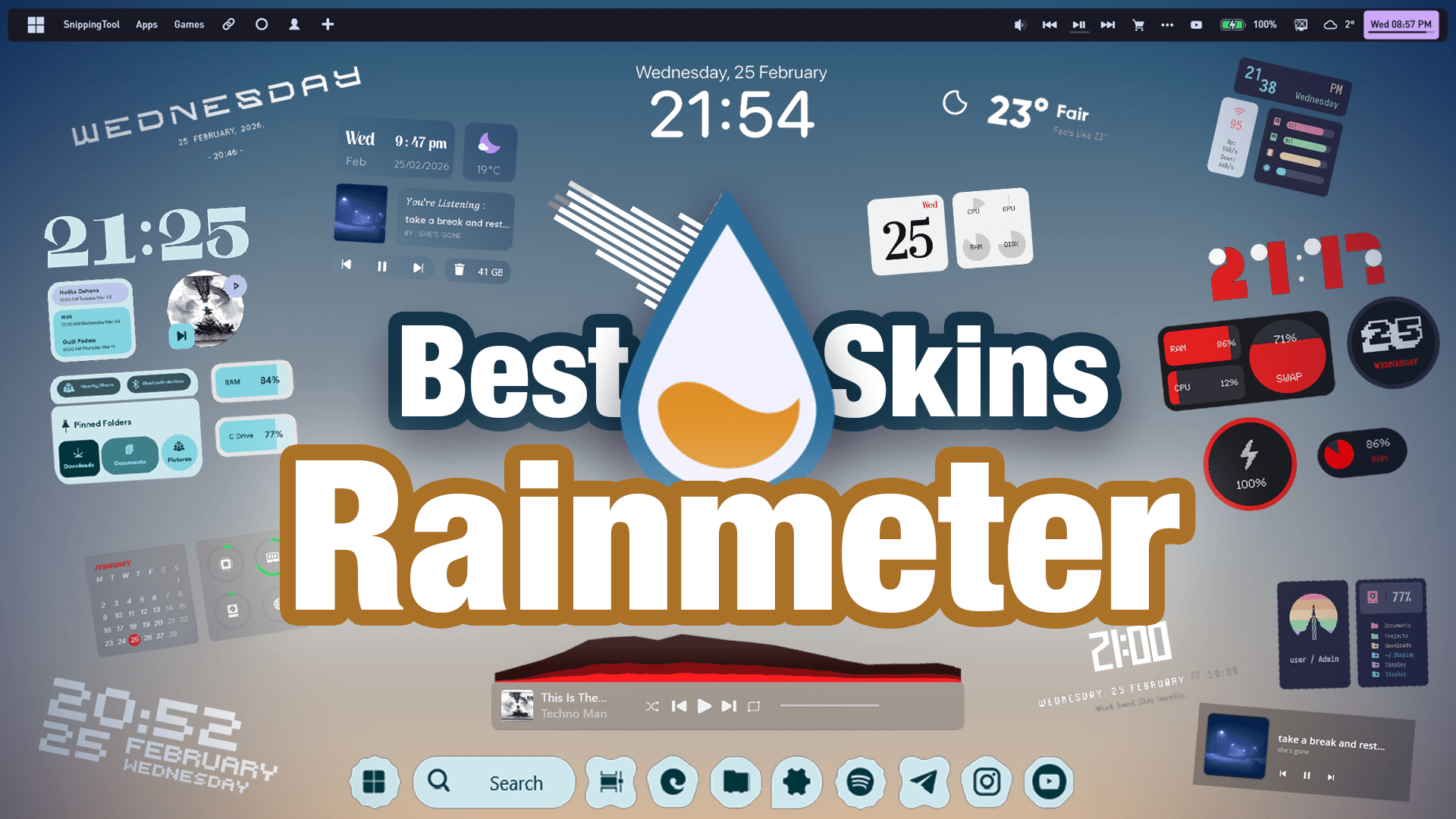
You’ve probably seen this clock on thousands of setups before. It’s one of Rainmeter’s most iconic skins — but Rainmeter has so much more to offer. We asked over 1,000 people about their favorite widgets and ranked the best 11 for you. From beautiful visualizers to sleek weather tools and powerful top bars, everything on this list is completely free and easy to use.
#11 – Astro Weather
Kicking off the list is a community suggestion straight from our Discord: Astro Weather. Unlike standard weather widgets, it smartly integrates a clock right into the design — meaning one widget does the job of two. Clean, efficient, and great for a glanceable daily overview.
#10 – Square Media Player
No more alt-tabbing into Spotify. The Square Media Player brings full music playback control directly to your desktop. It comes in multiple layouts, so it fits into virtually any theme you’re building. This is actually one I use personally — it’s just that practical.
#9 – Fountain of Colours
Music needs a visual companion. The Fountain of Colours is a highly customizable bar visualizer that reacts in real-time to whatever audio is playing on your PC. You can tweak the colors, angle, and height to match your exact aesthetic — and it instantly brings any boring desktop to life.
#8 – Material You & Nothing OS Widgets
Two unique mobile aesthetics, brought to your PC. The Material You / MD3 widget packgives your Windows desktop a playful, Google phone feel, while the Nothing OS widget packbrings that iconic minimalist dot-matrix design to your screen. Both create a surprisingly cohesive vibe that stands out from typical Rainmeter setups.
#7 – Monstercat Visualizer
A true classic in the Rainmeter community. The Monstercat Visualizer bounces in sync with your music and even pulls the album art of the currently playing track. If you’re a music lover who wants their desktop to reflect that, this one is a must.
#6 – Small Clean Weather
For the minimalists: the Small Clean Weather widget delivers everything you need — current temperature, forecasts, weather icons, and severe condition alerts — with an incredibly small footprint. It looks beautiful without cluttering your screen at all.
#5 – Lush Flow
Cracking the top 5 is Lush Flow, one of the most versatile Rainmeter skins available. It combines a clock, a date display, a dock, and a music player in one package. The standout feature? Rotating daily quotes from famous personalities that greet you every time you boot up — genuinely inspiring.
#4 – Monterey Skin
Want Apple’s clean aesthetic on Windows? The Monterey Skin delivers exactly that. You can add widgets that look and feel like native iOS/macOS components — a live battery indicator, a calendar, a weather widget — all blending perfectly with a minimalist wallpaper. Not just pretty; fully functional.
#3 – Droptop Four
Entering the top 3: Droptop Four. This tool gives you a stunning macOS-style top bar right on your Windows desktop. Every icon in the top right acts as a real shortcut to your apps and system trays, and the customization depth is insane — you can tweak dropdown menus, icons, and styling to genuinely mimic a Mac. A serious productivity upgrade.
#2 – Jax Core
Just missing the top spot is the underrated powerhouse Jax Core. It offers sleek, text-based hardware monitoring (CPU, RAM), advanced media control via ModularPlayers, stunning audio visualizations with ModularVisualizer, and a full volume mixer with YourMixer — all on your desktop. The one caveat: it can be heavy on older systems. But if your PC can handle it, it’s incredible.
#1 – Mond Skin
Taking the number one spot is Mond — a timeless classic that earns its place on any setup. It’s a minimalist, elegant clock widget with fully customizable fonts that looks phenomenal on virtually any wallpaper. Lightweight, universal, and effortlessly beautiful. If you’re just getting into PC customization, start here.
Rainmeter might get called outdated, but this list proves it’s still one of the most capable and versatile desktop customization tools out there. Drop a comment below with your favorite skin, and join our Discord if you need help building your own setup!