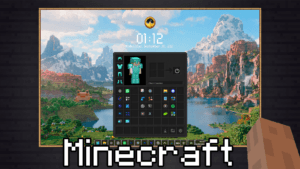
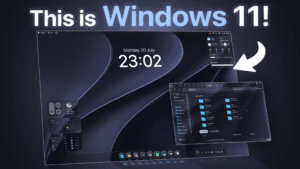
Everything from the video in one place. Follow the steps in the same order as the Short.
Wallpaper
Set it in Settings → Personalize → Lock screen.
Windhawk
The free mod manager everything runs on.
Lock screen code
Fork the Start Menu Styler, replace its code with this file, then hit Compile. Add
LockApp.exeto the inclusion list.Font
Install it before pasting the style code.
Style code
Switch the mod to Textual Mode, paste this in and hit Save.
Stuck or want to show off your setup?
Join the Discord to get help with the install, share your lock screen and grab new codes before they hit YouTube.
Join the Discord ↗